Options
Default time
When creating a recurrence or an absence period, you can choose a time period in the day (morning / afternoon / full day). These hours are defined here.
Room sorting logic
Room naming pattern
Lets you configure how room names are displayed.
Week type
Indicates whether the week lasts 5 days (Monday -> Friday) or 7 (Monday -> Sunday).
Planning mode
Booking only for agendas
Number of days stored in cache
For display speed, all bookings are saved in cache files.
- Number of days to keep in the past: old cache files are deleted
- Number of days to create in the future: cache files are created in advance
These parameters provide a date range in which navigation is fast.
Column display
Controls the display of the different columns on the Events page.
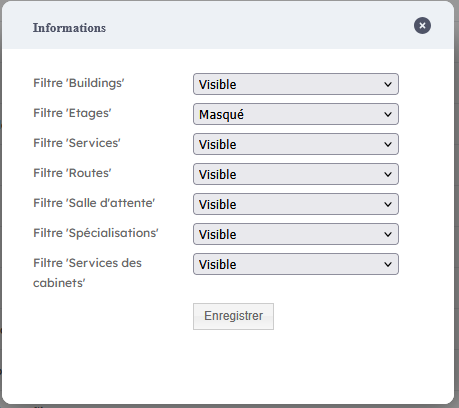
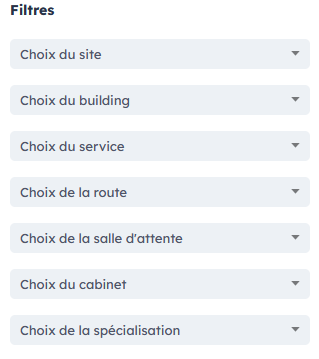
Filter display
Controls the display of the different room filters.
Timepicker step
Step for the timepickers when creating a recurrence.
Ignore absences when creating an event
When creating a recurrence for a clinician, if some occurrences fall during one of their absences, they are automatically marked as Absent if this option is disabled.
An adhoc created during an absence period will not be marked as an absence.
Default filter values for the Analytics module
If the Analytics module is available, this option lets you set the room filters used by default in the BMS dashboards.
Number of days for conflict checks
Room conflicts are searched automatically every night. This option lets you specify up to how many days conflicts are checked.