Exceptions
Create an exception
From the Events page
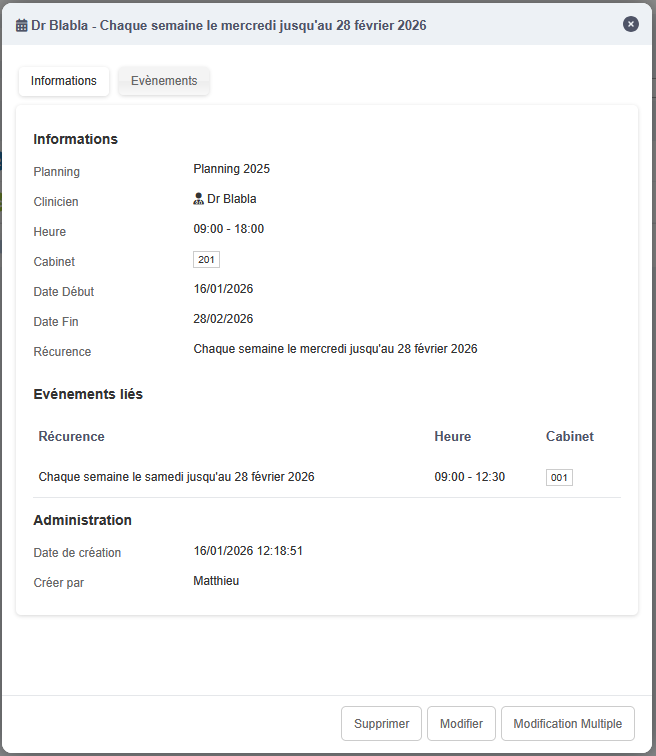
By clicking the Information button on the right, a window opens with the recurrence information.

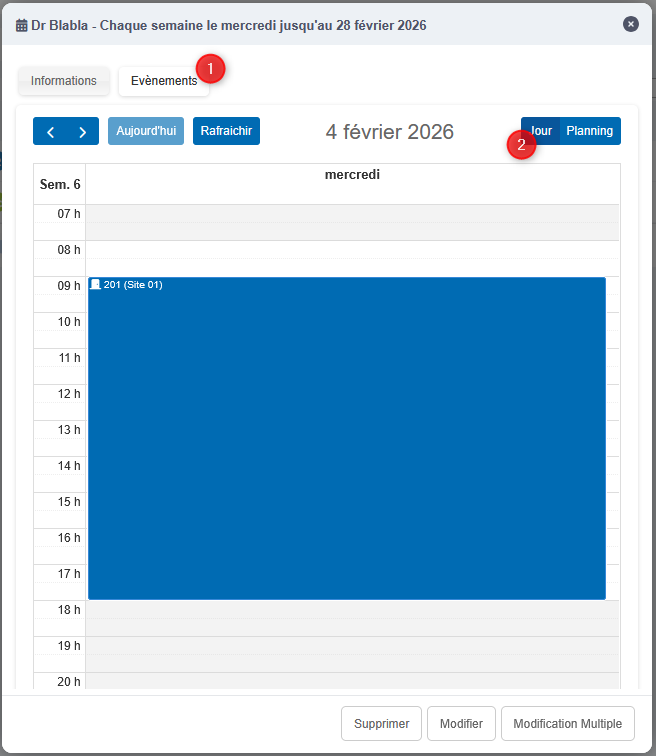
In the Events tab (1), in Day view (2), you can modify the occurrence hours by dragging the block in the calendar, or by moving its start or end time.
The change will not be possible if the room is already occupied in the new time slot.
From a recurrence edit form
When editing a recurrence, the right side lets you create exceptions.

Delete an exception
Deleting an exception is done from the recurrence edit form by clicking the red arrow.
