Conflicts
Room conflicts
At the top right of the Events page there may be a red "Conflicts" button.
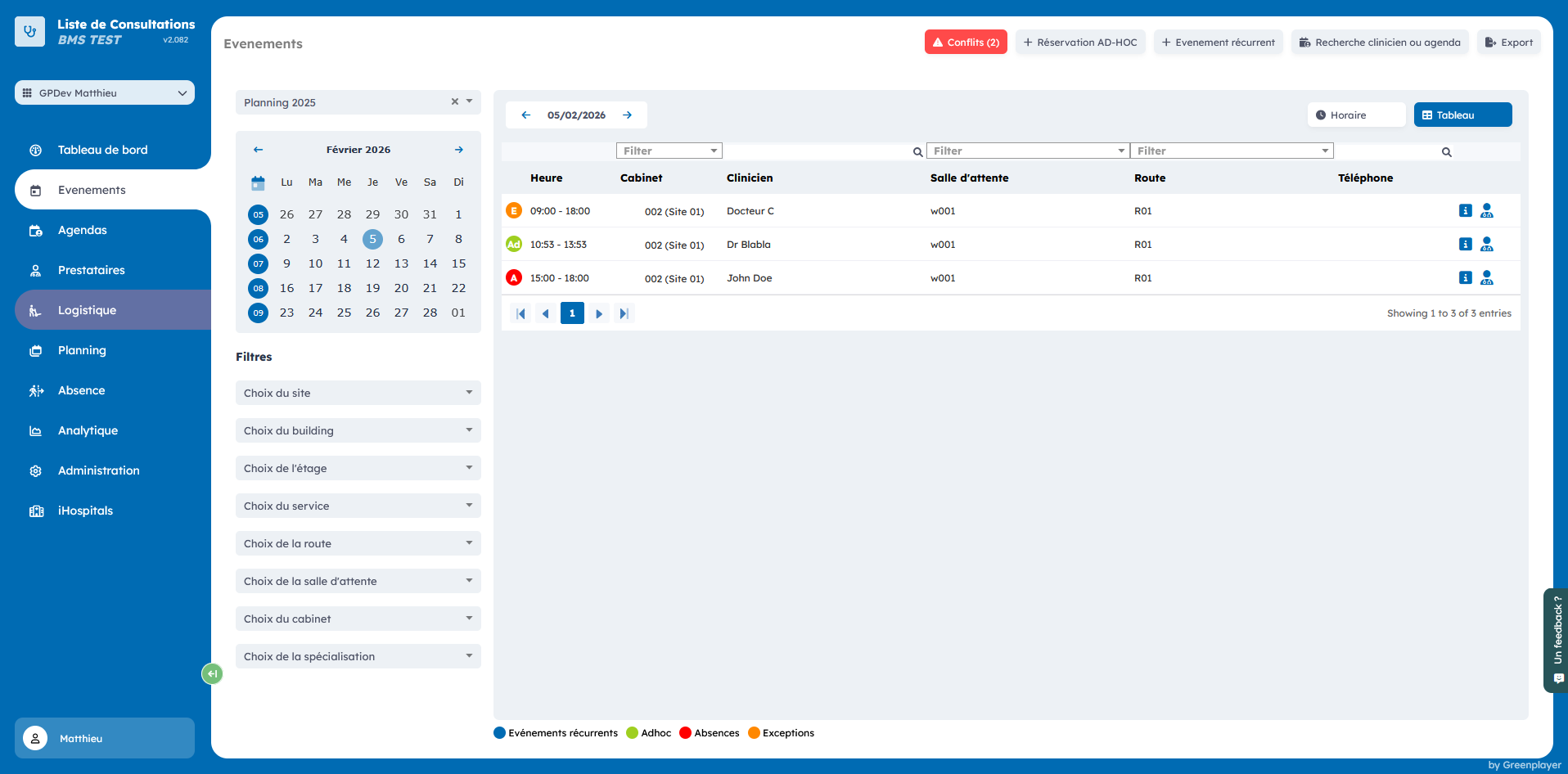
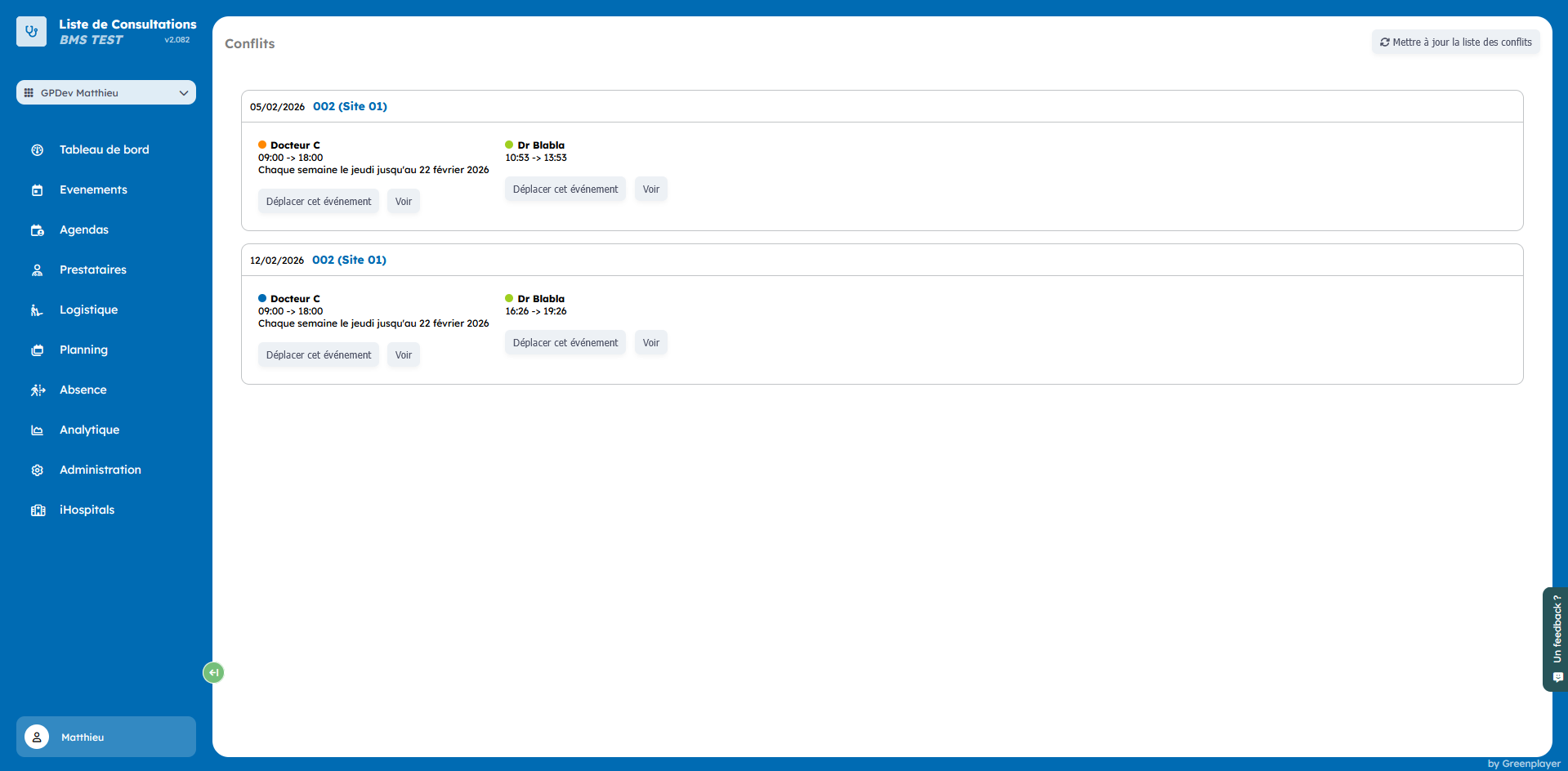
This page lets you identify and fix situations where the same room has been booked more than once in the same time slot.
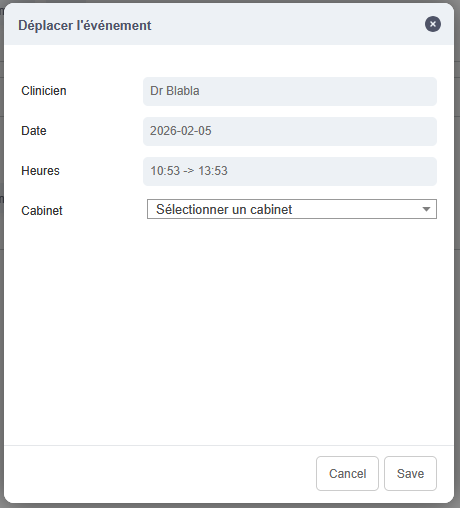
You can resolve this conflict by moving one of the problematic events to another available room.
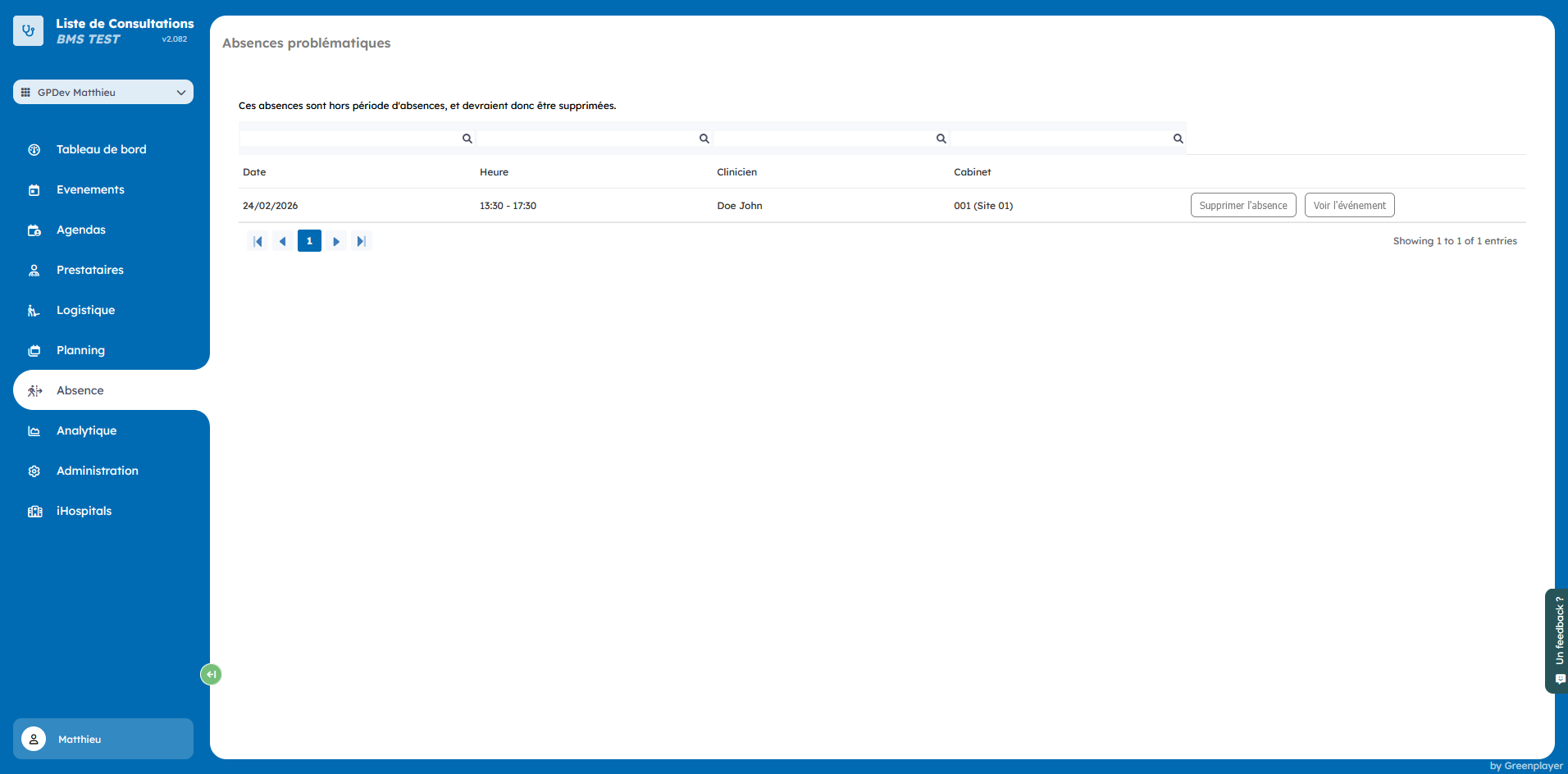
Problem absences
At the top right of the absences page there may be a red "Problem absences" button.
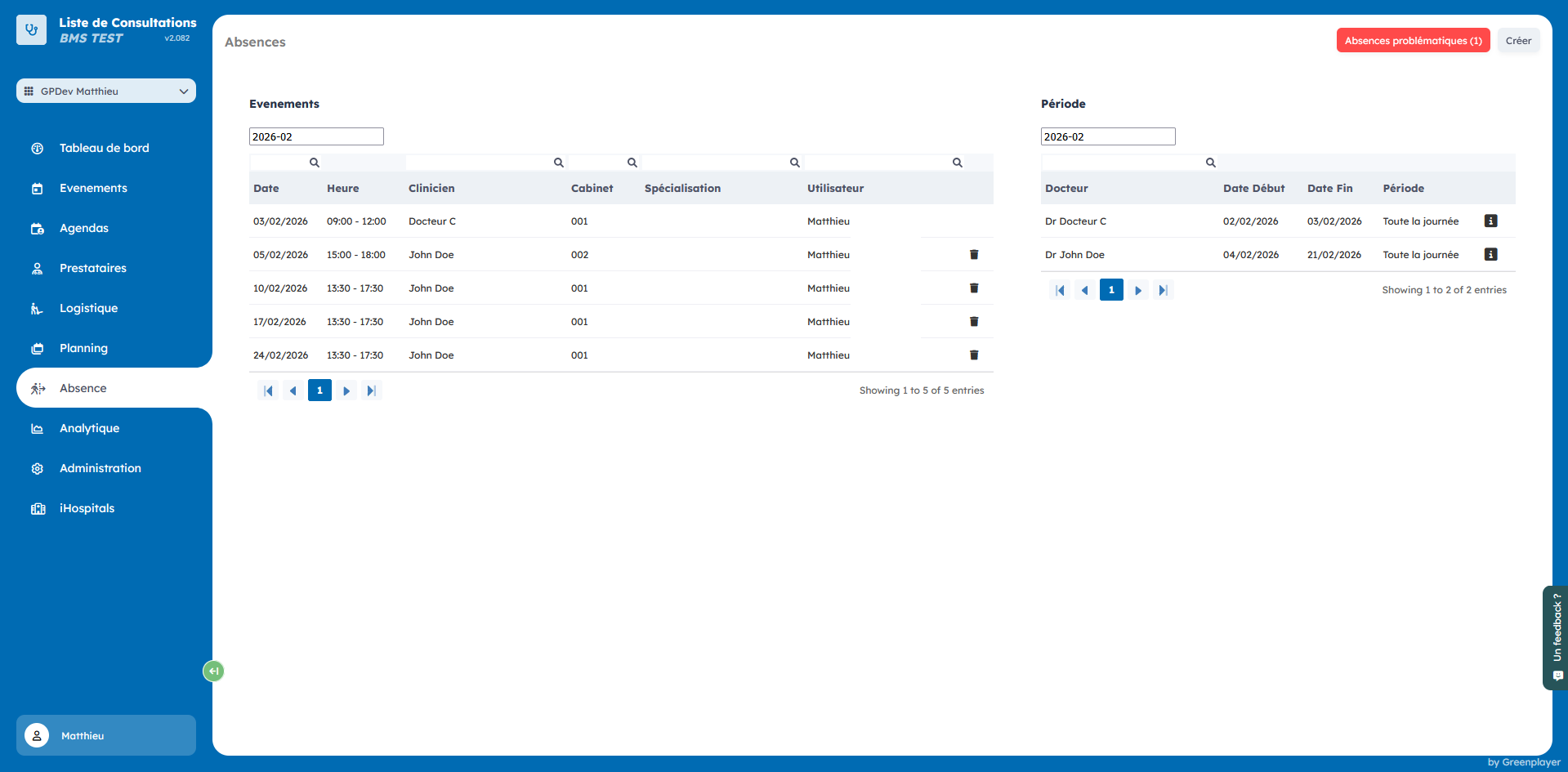
This page lists all absences that fall outside an absence period. These issues can occur when an absence period is deleted or modified.
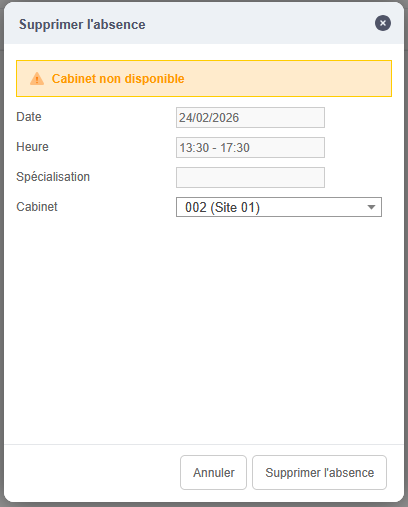
To resolve the issue, click "Delete absence" and resolve the room conflict.