Delete recurrences
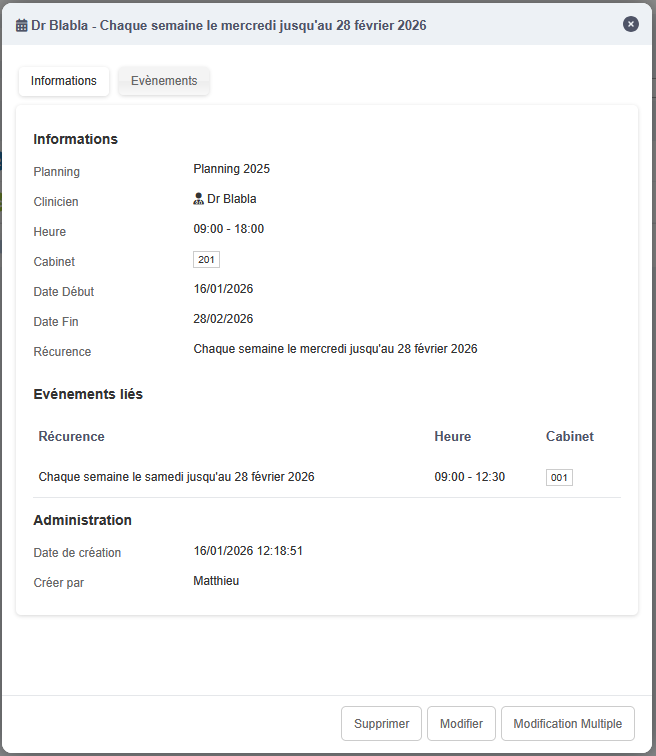
You can delete a recurrence from the Events page by clicking the Information button on the right.

A window opens with the recurrence information.
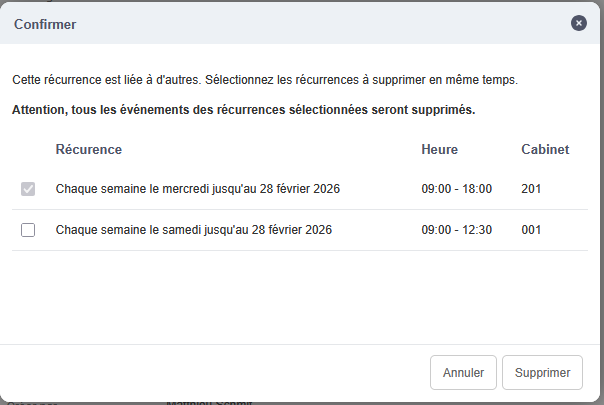
By clicking Delete, a confirmation dialog appears. If, when this recurrence was created, several days were created at the same time, you can also delete the linked recurrences.