Adhoc deletion
You can delete an adhoc from the Events page by clicking the Information button on the right.

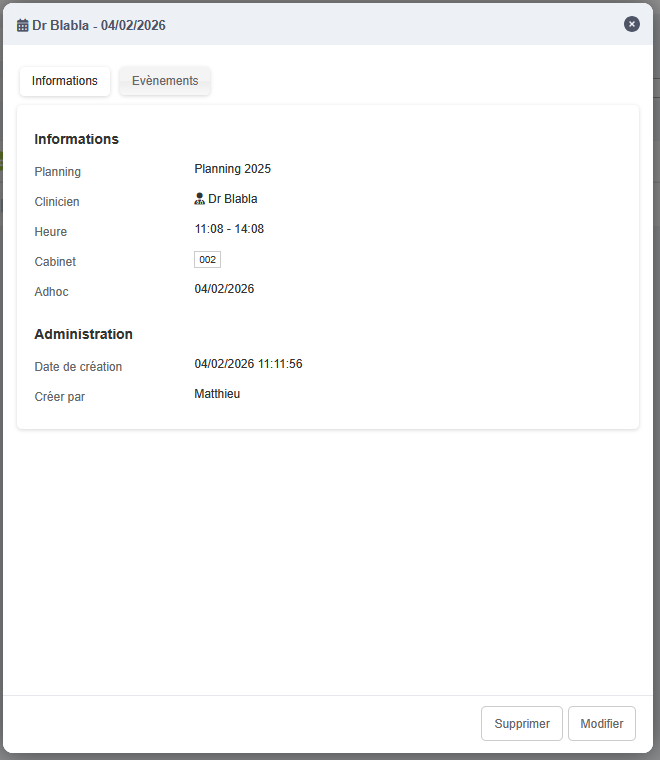
A window opens with the adhoc information. Simply click the Delete button in the bottom right and confirm the deletion.
You can delete an adhoc from the Events page by clicking the Information button on the right.
A window opens with the adhoc information. Simply click the Delete button in the bottom right and confirm the deletion.