Full update of an adhoc
You can edit an adhoc from the Events page by clicking the Information button on the right.

A window opens with the adhoc information. Simply click the Edit button in the bottom right.
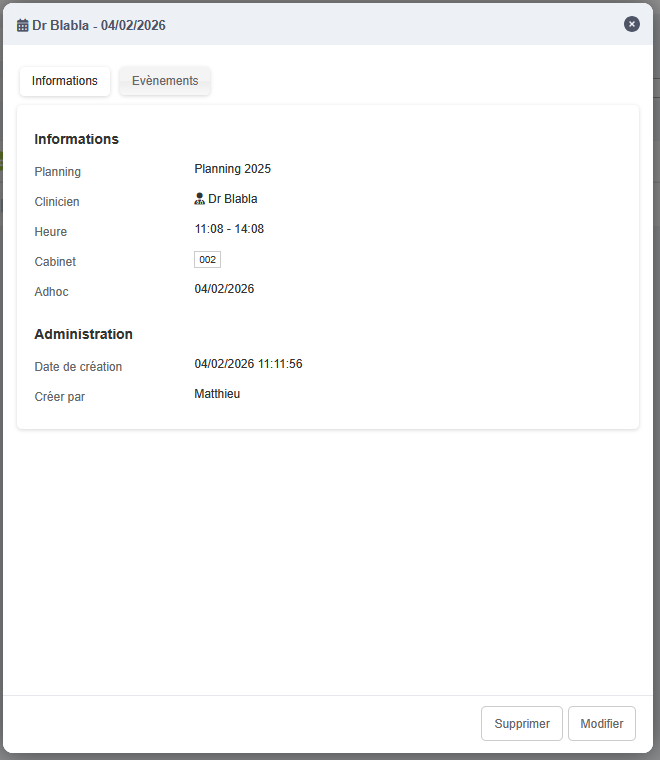
Edit form
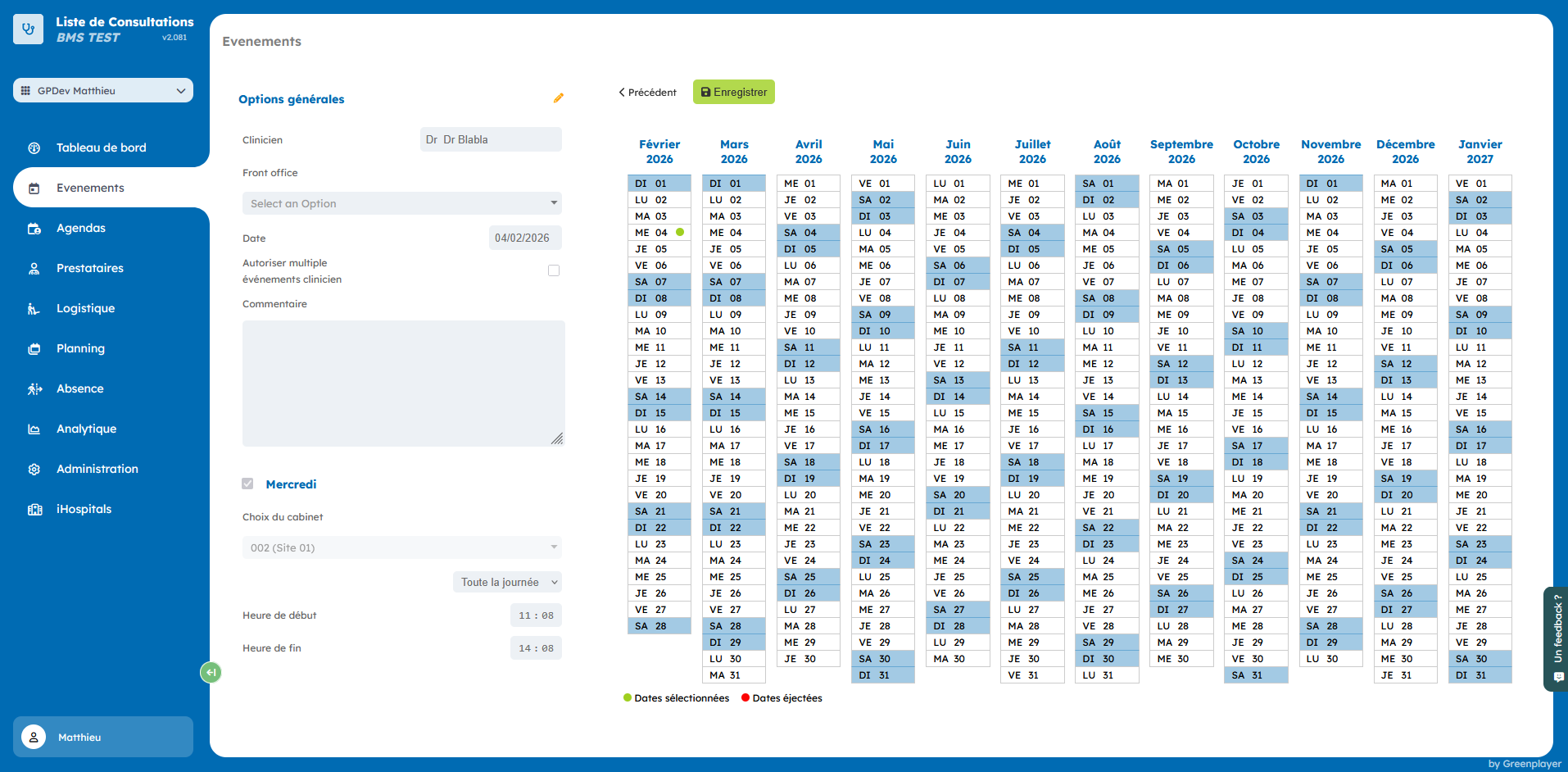
Click the yellow pencil to enable editing.
You can then modify the adhoc hours. To change its room, click the second yellow pencil.

Once the changes are done, click Save.