Kiosk management
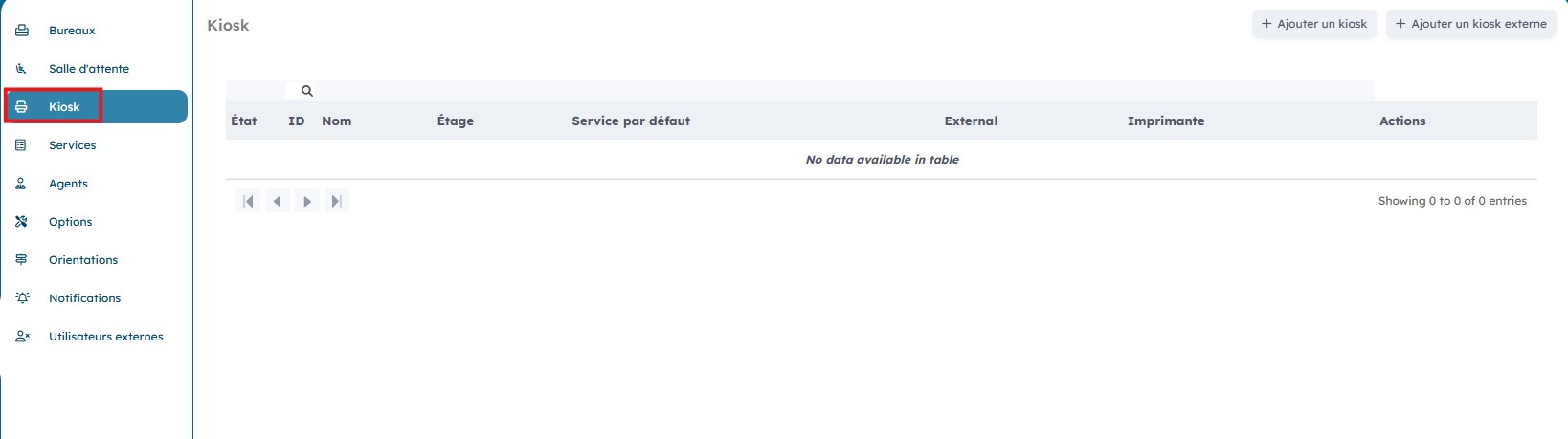
On the "Kiosk" page you have an overview of the different kiosks and their status.
1. Create a new kiosk
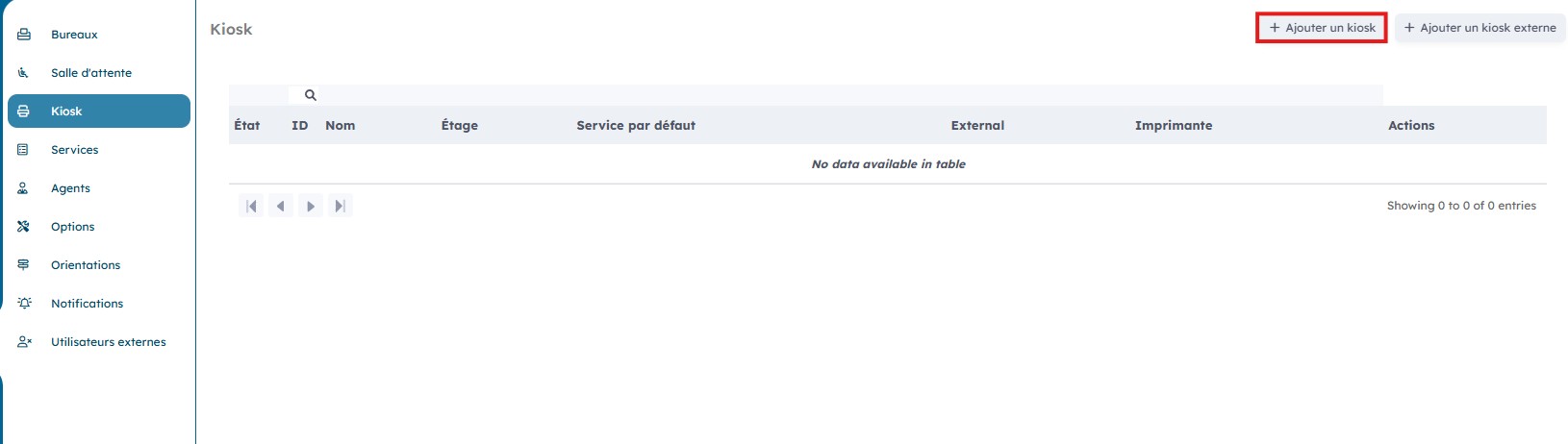
You can add a kiosk by clicking "Add a kiosk".
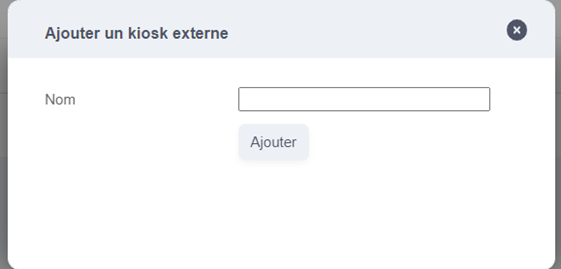
Select the desired kiosk from the dropdown list and then click "Add".
2. Edit an existing kiosk
It is possible to edit a kiosk that has already been created by clicking the "Actions" icons.
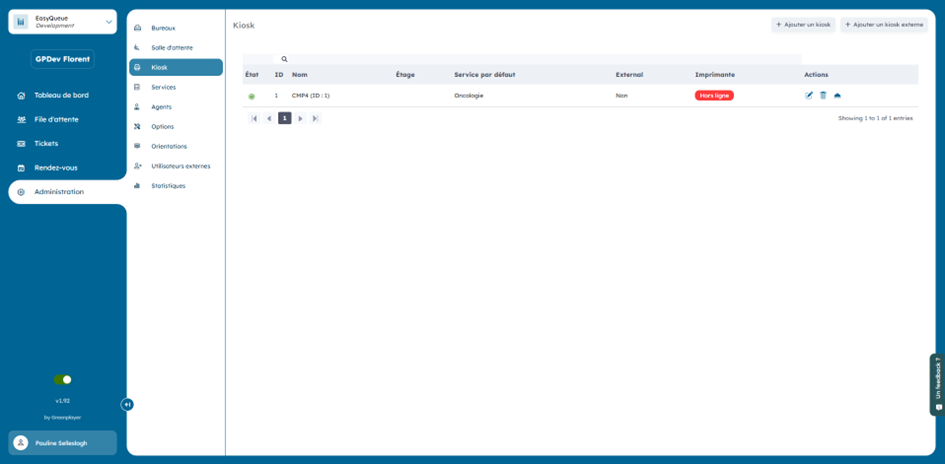
By clicking the "Edit" icon, you can modify the information linked to a kiosk.

Choose the model from the dropdown menu and then click "Modify".

By clicking the "Delete" icon, you can delete a kiosk.
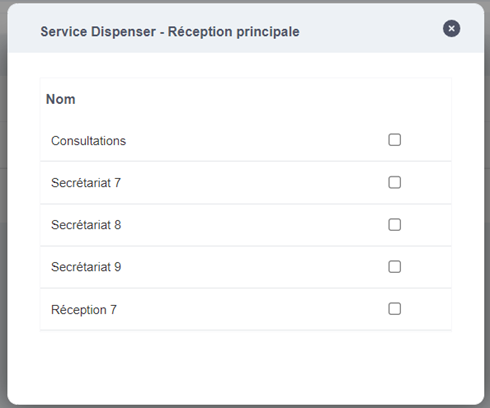
By clicking the "Service" icon, you have a view of the services that have access to this kiosk.
You can check the desired service(s). The change will be applied automatically.